
Quick replies with variables
Answer common questions in seconds.
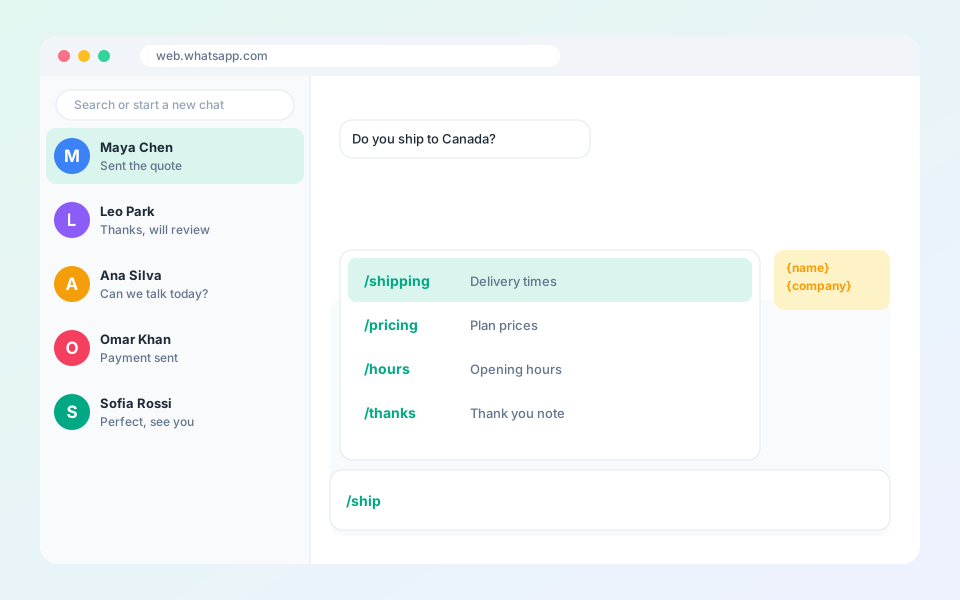
Quick replies are saved messages you can send from any chat and share with your team.
Steps
- Open Quick Replies from the top bar, or type / in the message box.
- Select Add quick reply.
- Enter a title and write the message.
- Insert shortcodes such as {name}, {phone}, {company}, {date} and {time}.
- Send it. The shortcodes are filled in for that contact.
Tip: Team quick replies are managed in the dashboard under Templates, so everyone uses the same wording.
Updated October 19, 2026
Did not find what you need?