
Set up auto replies
Reply on keywords or when you are away.
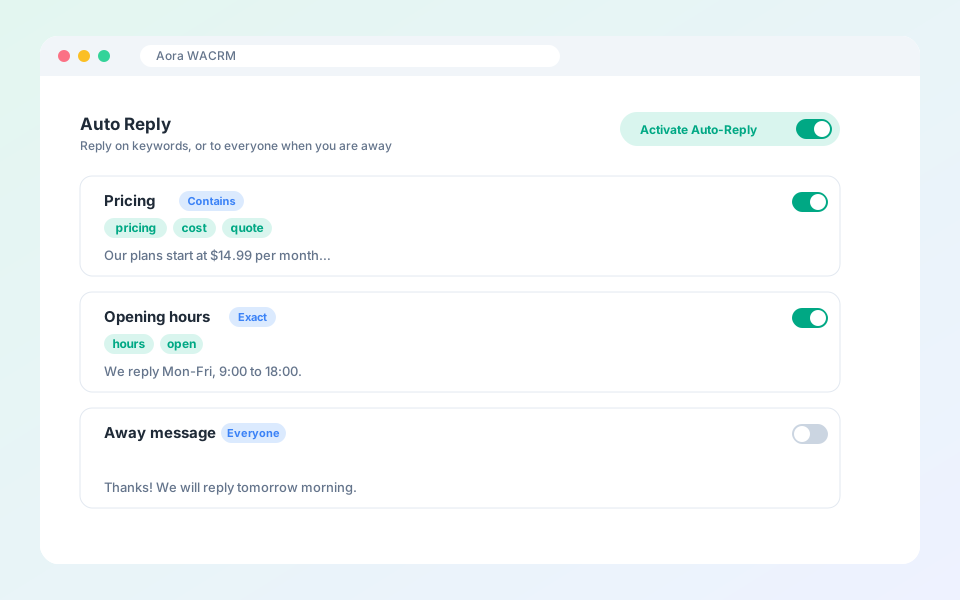
Auto replies answer incoming messages for you.
Steps
- Open Automation from the top bar and choose Auto Reply.
- Select New reply.
- Choose a mode: exact match, contains, or reply to all.
- Enter keywords separated by commas, for example: pricing, cost, quote.
- Write the reply and attach a file or image if you like.
- Save it and make sure Activate Auto-Reply is on.
Tip: Turn on the idle option so an auto reply never interrupts you while you are typing.
Updated October 19, 2026
Did not find what you need?