Aora WACRM
FeaturesPricingBlogHelpContact
Browse all help topics
Help Center home
Getting started
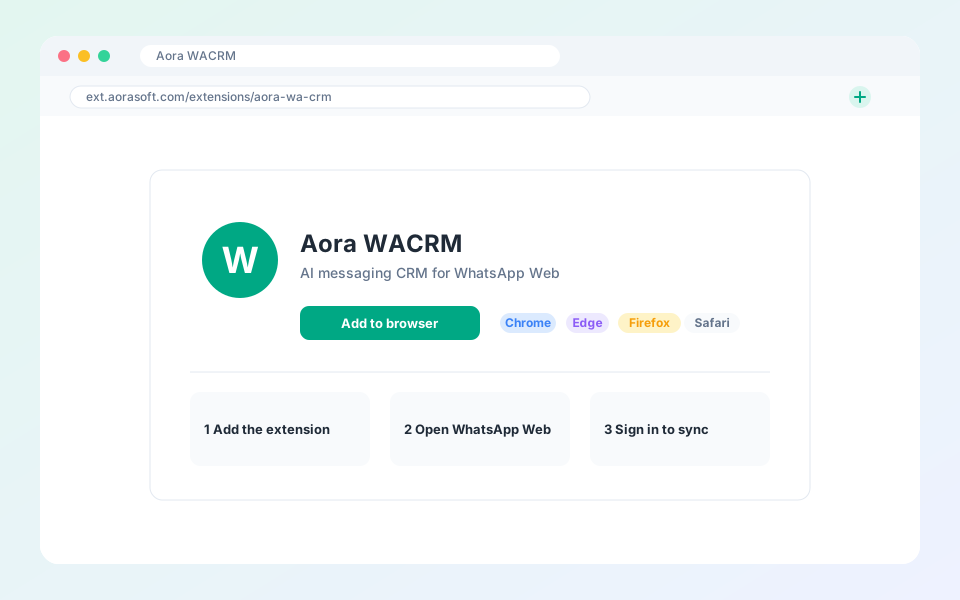
  • Install the extension
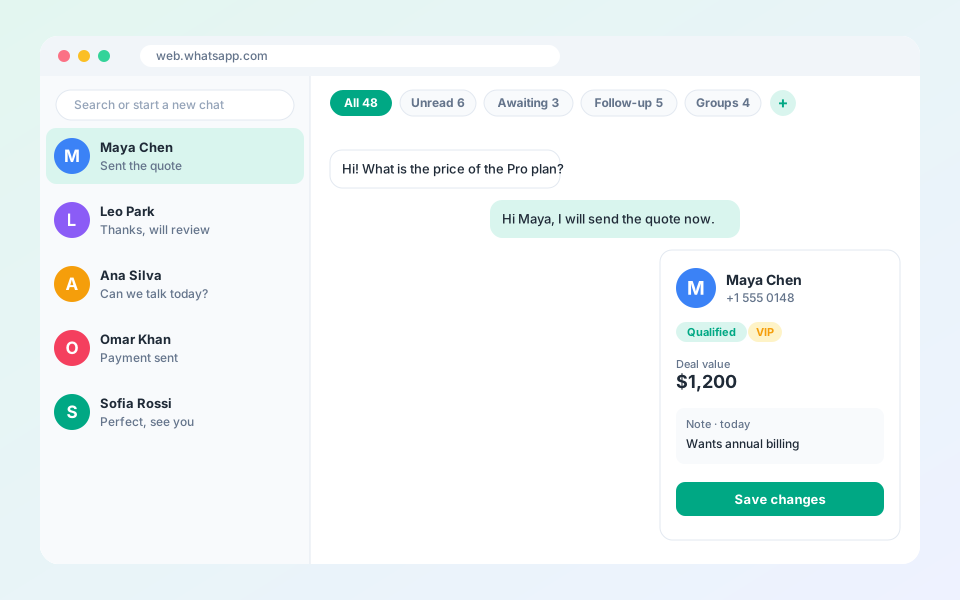
  • Quick tour of the interface
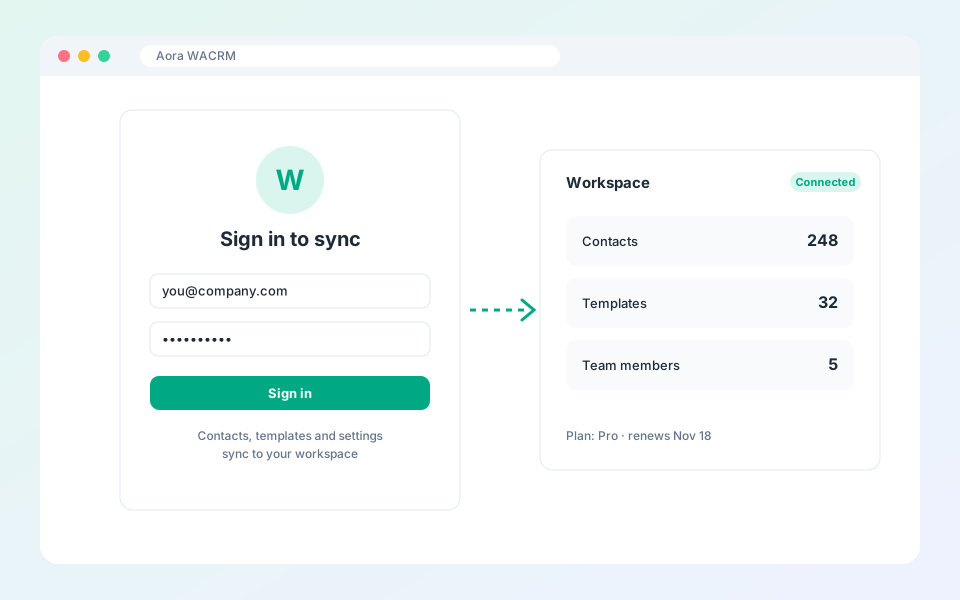
  • Connect your workspace
Chat tabs
Contacts and CRM
Pipeline and follow-ups
Messaging tools
AI and translation
Integrations
Team and reports
Account and billing
Privacy
Help Center home
Getting started
  • Install the extension
  • Quick tour of the interface
  • Connect your workspace
Chat tabs
Contacts and CRM
Pipeline and follow-ups
Messaging tools
AI and translation
Integrations
Team and reports
Account and billing
Privacy
Help Center / Getting started

Getting started

Install the extension, take the tour and connect your workspace.

  • Install the extension

    Add Aora WACRM to Chrome, Edge, Firefox or Safari.

  • Quick tour of the interface

    The top bar, smart tabs and the profile sidebar.

  • Connect your workspace

    Sign in so contacts and team templates sync.

Aora WACRM

AI Messaging CRM with Auto Translation + Integrations

Product

FeaturesPricingBlogHelp

More extensions

Aora WACheckerAora WhatsApp Backup

Company

ContactTermsPrivacy

© 2026 Aora WACRM. All rights reserved.

Terms of ServicePrivacy PolicyContact[email protected]

Not affiliated with, endorsed by or sponsored by WhatsApp or Meta. All product names, logos and brands are property of their respective owners.