
Install the extension
Add Aora WACRM to Chrome, Edge, Firefox or Safari.
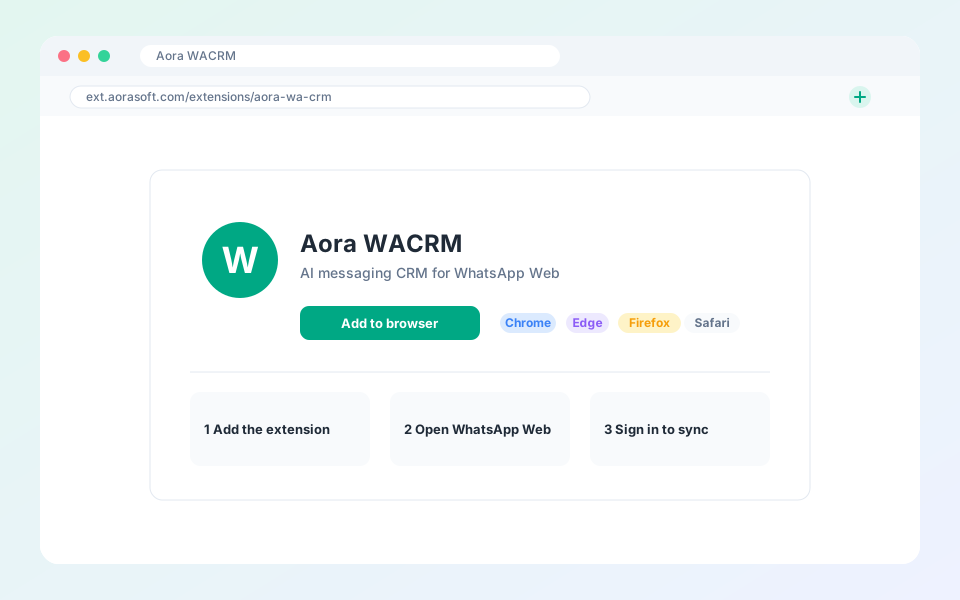
Aora WACRM runs inside WhatsApp Web as a browser extension.
Steps
- Open the extension page on our website and choose your browser.
- Select Add to browser and confirm.
- Open WhatsApp Web. The Aora WACRM bar appears above your chats.
- Select the account icon and sign in to sync with your workspace.
Tip: Pin the extension to your toolbar so you can reach it in one click.
Updated October 19, 2026
Did not find what you need?