
Connect your workspace
Sign in so contacts and team templates sync.
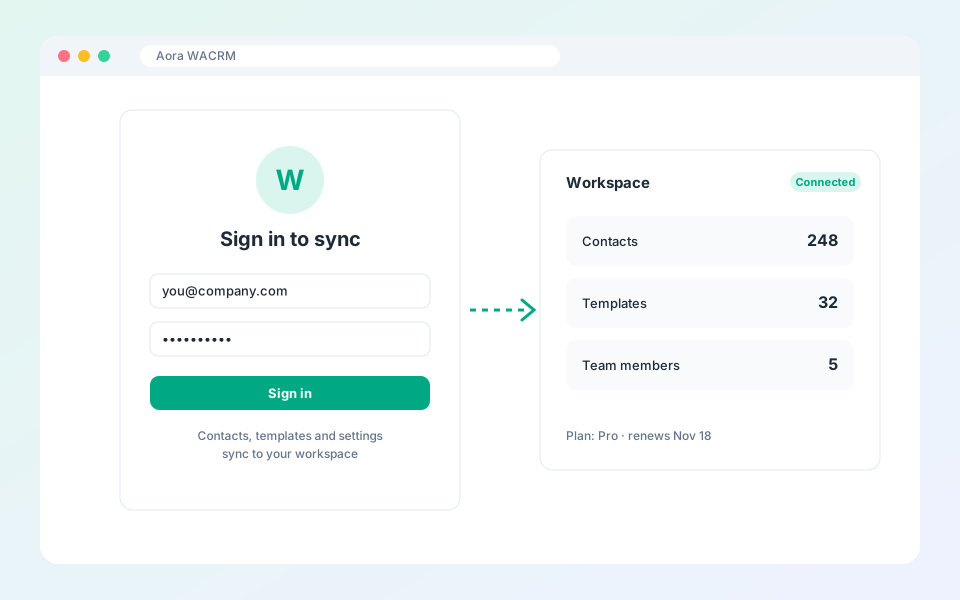
Signing in links the extension to your workspace on the website.
Steps
- Select the account icon in the top right.
- Sign in with your email and password.
- Once connected, team templates, tags, the blacklist and your contacts sync automatically.
- Check your plan limits in the account panel.
Tip: The Free plan keeps up to 25 contacts locally. Upgrade for unlimited contacts and team features.
Updated October 19, 2026
Did not find what you need?