
Quick tour of the interface
The top bar, smart tabs and the profile sidebar.
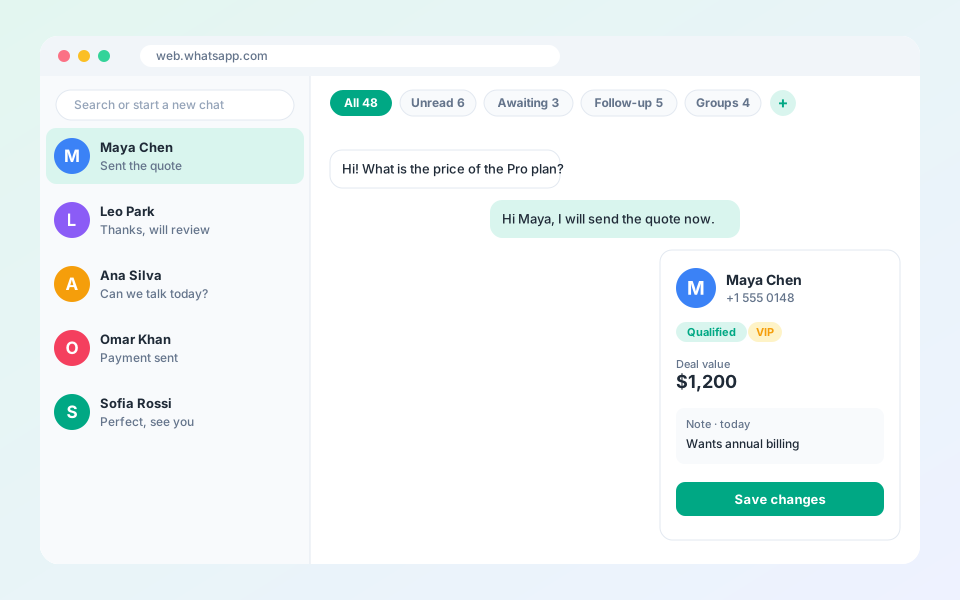
Everything sits beside your chats, so you never leave WhatsApp Web.
Steps
- Top bar: chat filters, pipeline tabs, automation tools, the AI assistant and your account.
- Profile sidebar: contact details, stage, notes, deal value and tags for the open chat.
- Smart tabs: filter Unread, Awaiting reply, Follow-up or Groups with one click.
- Quick replies: type / in the message box to search and send a saved reply.
Tip: Pin your busiest pipeline tabs to the top bar.
Updated October 19, 2026
Did not find what you need?