
Manage smart filter tabs
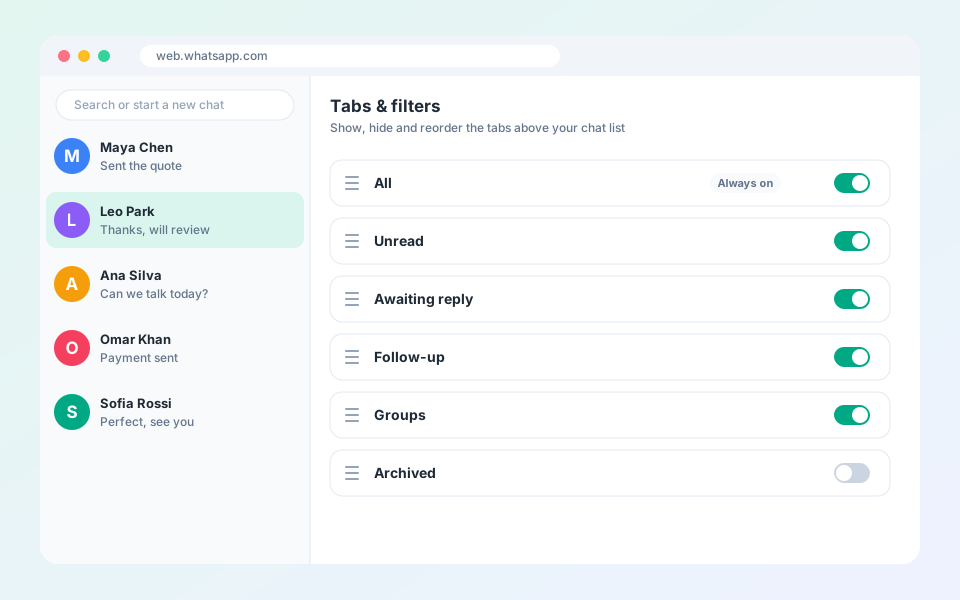
Show, hide and reorder the built-in tabs.
Smart tabs filter hundreds of chats without searching.
Steps
- Select the settings icon in the top bar to open Tabs & filters.
- Drag a tab to reorder it.
- Switch a tab on or off to show or hide it (Unread, Awaiting reply, Follow-up, Groups and more).
- The All tab always stays on so you can reach your full inbox.
Tip: Awaiting reply updates itself when a customer writes and you have not answered yet.
Updated October 19, 2026
Did not find what you need?