
Schedule a message
Send once or on a repeat.
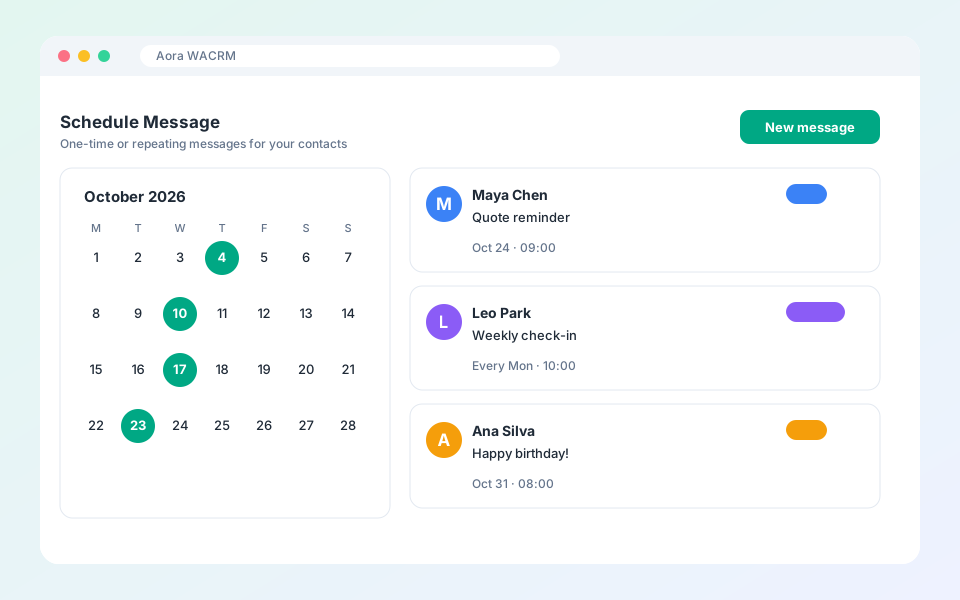
Scheduled messages go out at the time you set.
Steps
- Open Automation and choose Scheduled messages, or open Templates in the dashboard.
- Select New message and pick a contact.
- Write the message and choose the date and time.
- Choose once or a repeat schedule.
- Save it.
Tip: Keep WhatsApp Web open in your browser at the send time.
Updated October 19, 2026
Did not find what you need?