
Scheduled follow-up reminders
Get an alarm for quotes, invoices and callbacks.
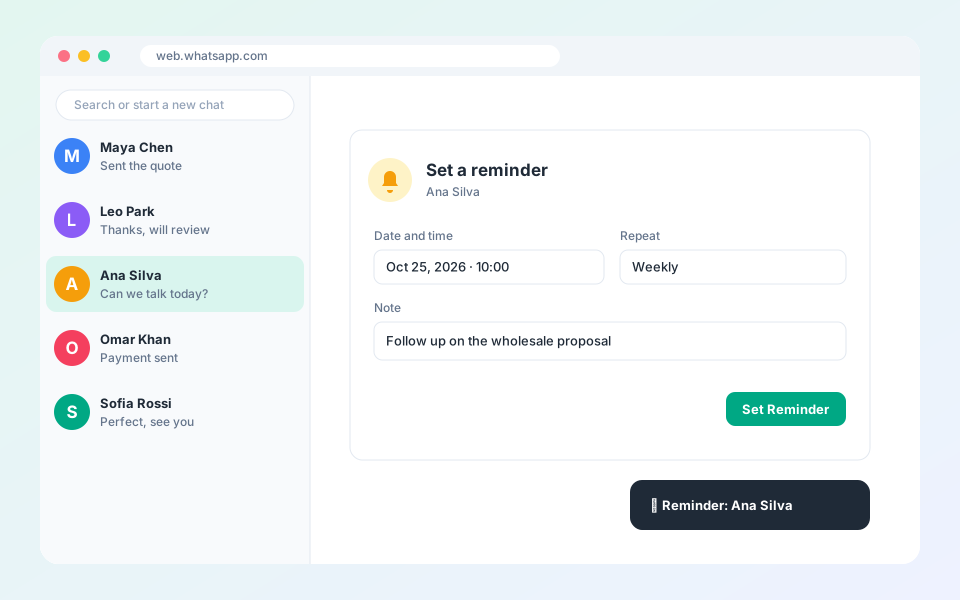
Reminders alert you in the browser at the time you choose.
Steps
- In a chat or the profile sidebar, select Reminder.
- Pick the date and time.
- Add a note, for example: follow up on the wholesale proposal.
- Choose a repeat option if it recurs.
- Select Set Reminder.
Tip: When a reminder is due, the bell icon shows a badge and the browser sends a notification.
Updated October 19, 2026
Did not find what you need?