
Pipelines and deals
Track deals across stages.
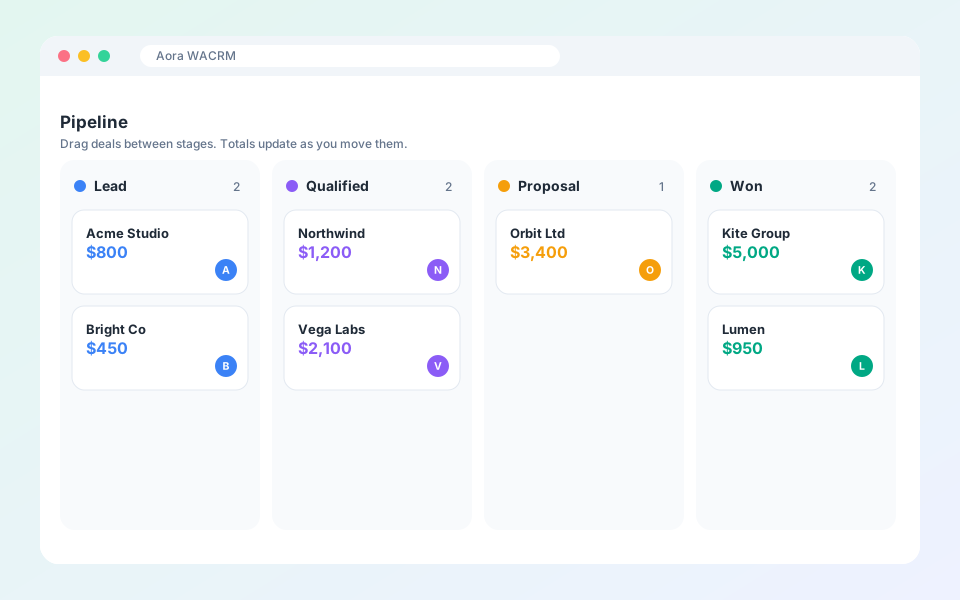
Pipelines show where every deal stands and what it is worth.
Steps
- Open CRM, then Pipelines to set up your stages, win probability and stage-entry automation.
- Open Deals to see them as columns.
- Drag a deal to the next stage as it progresses.
- Open CRM Dashboard and Reports for totals and velocity.
Updated October 19, 2026
Did not find what you need?