
Notes and activity log
Timestamped notes tied to each contact.
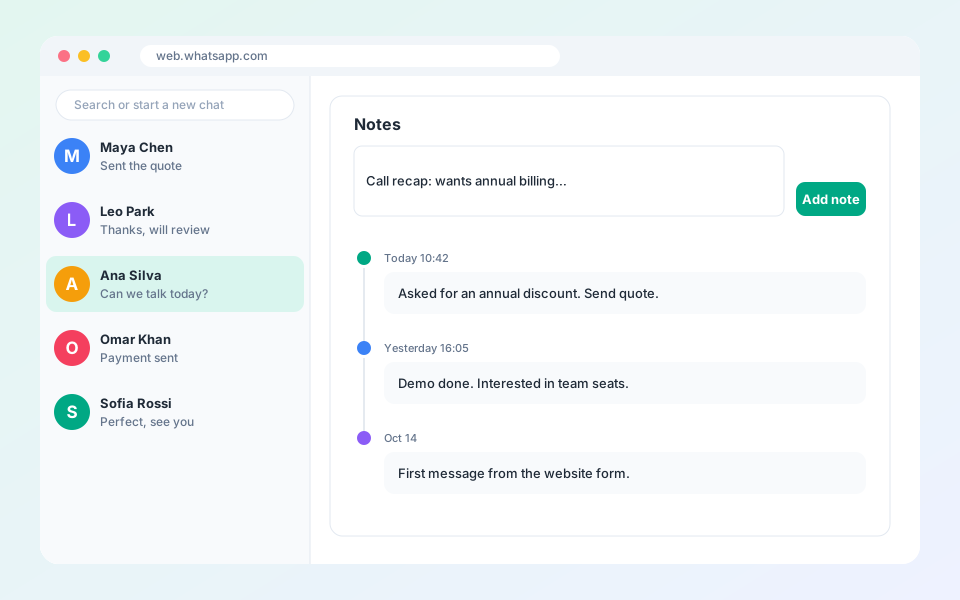
Notes keep call summaries, preferences and quote numbers where you will see them.
Steps
- In the profile sidebar, open the Notes tab.
- Write your note.
- Select Add note. It is saved with the date and time.
- Edit or delete a note at any time.
Updated October 19, 2026
Did not find what you need?