
Customer profile and sales CRM
Details, stage and deal value for every chat.
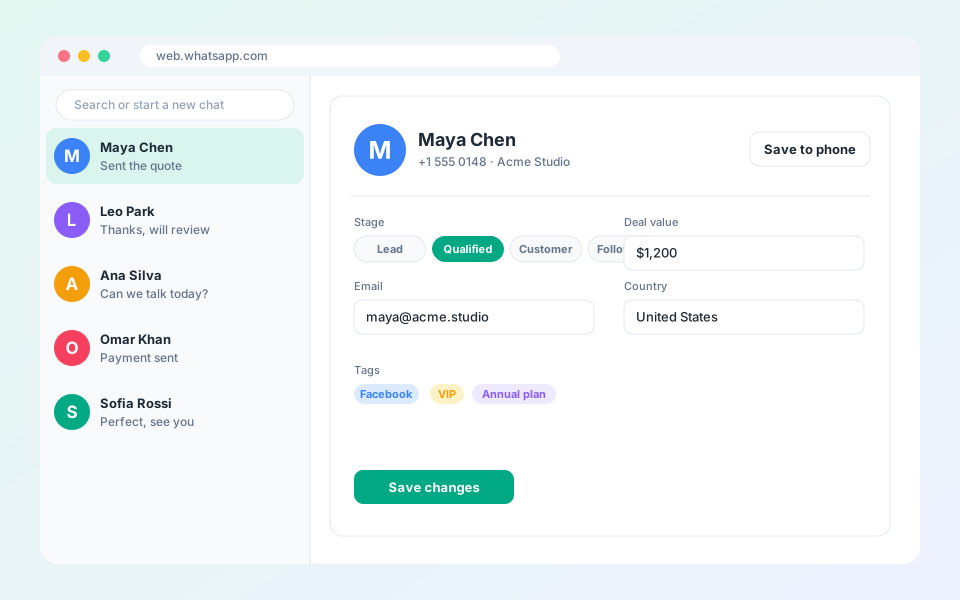
Save any chat as a contact and keep its details beside the conversation.
Steps
- Open a conversation in WhatsApp Web.
- Select the CRM button in the chat header to open the profile sidebar.
- Fill in name, phone, email, birthday, country and company.
- Pick a stage (Lead, Qualified, Customer or Follow-up) and enter the deal value.
- Select Save changes.
Tip: Use Save to phone to download a contact card for your phone address book.
Updated October 19, 2026
Did not find what you need?