
Block numbers with the blacklist
Keep chosen numbers out of broadcasts and auto replies.
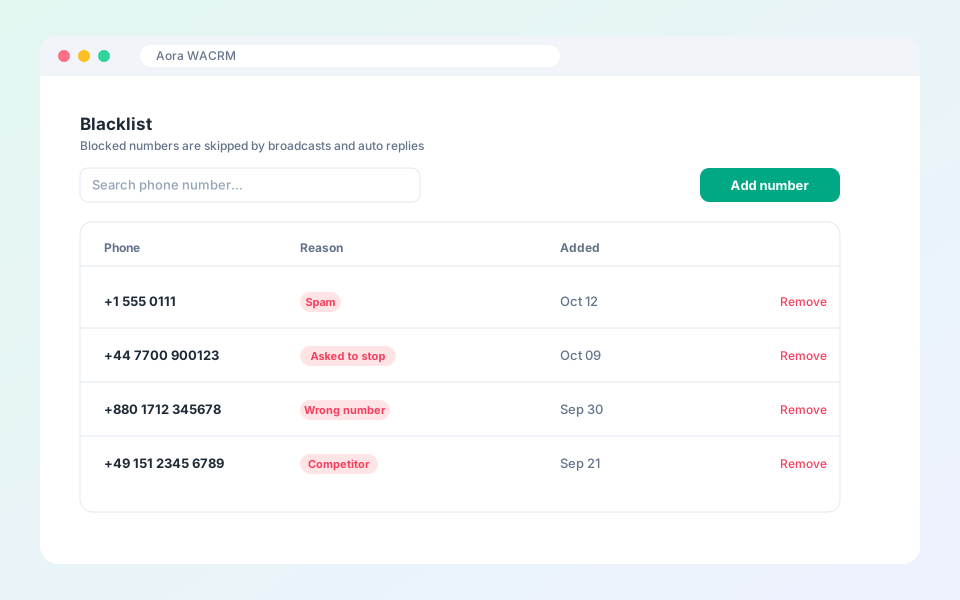
The blacklist stores numbers your workspace should not message automatically.
Steps
- Open Contacts, then Blacklist.
- Select Add number and enter the phone number with its country code.
- Add a short reason so your team knows why.
- Remove a number at any time.
Updated October 19, 2026
Did not find what you need?