
Connected devices
See and remove the browsers on your workspace.
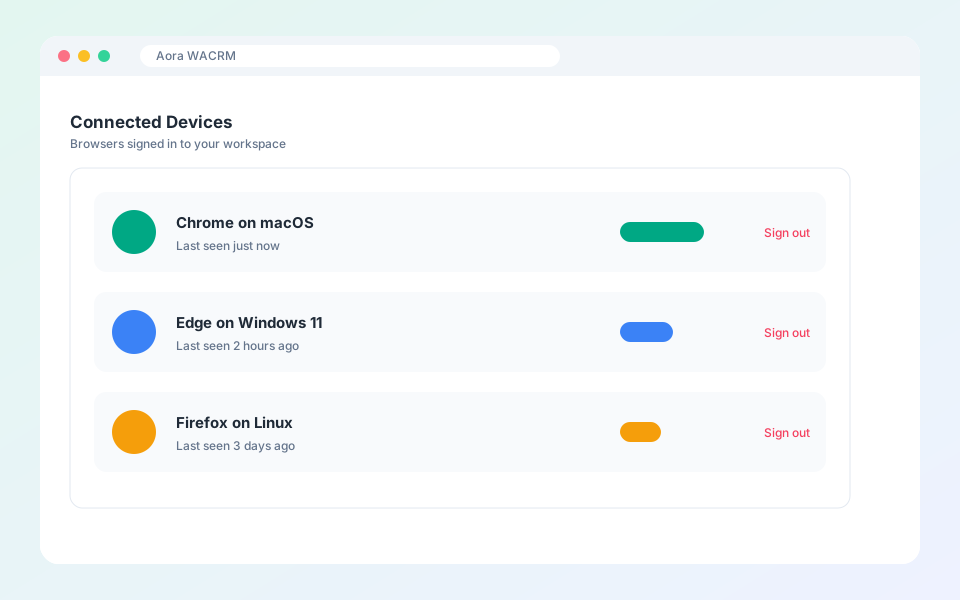
Each browser that signs in to your workspace is listed as a device.
Steps
- Open Settings, then Connected Devices.
- Review the list and the last time each was seen.
- Admins can remove a device you do not recognise. It is signed out of the CRM, and you can allow it again later.
Updated October 19, 2026
Did not find what you need?