
Blur chats for demos and screen sharing
Hide messages, names and photos on screen.
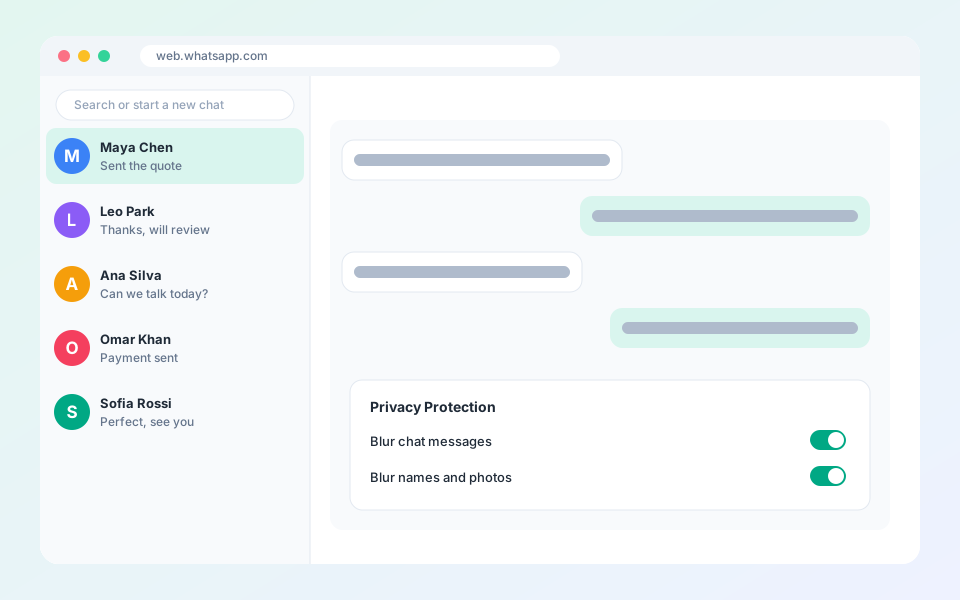
Privacy blur protects customer information when others can see your screen.
Steps
- Select your avatar to open the account panel.
- Find the Privacy Protection section.
- Turn on Blur chat messages.
- Turn on the blur for names and profile photos.
Updated October 19, 2026
Did not find what you need?