
Choose or change your plan
Upgrade, switch billing period or review invoices.
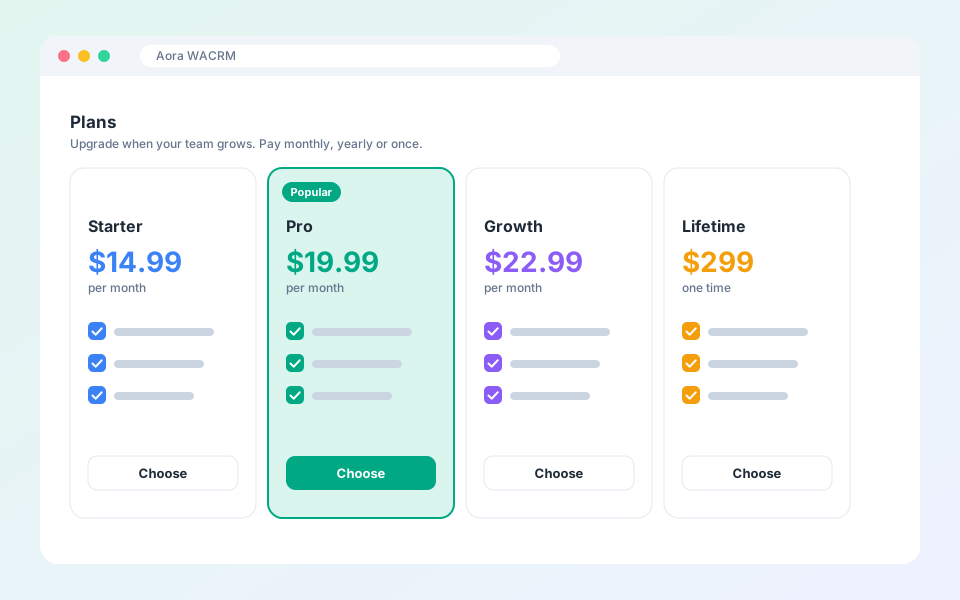
Pick the capacity and features that fit your team. Payment is handled by PayPal.
Steps
- Open Plans in the dashboard.
- Choose monthly or yearly billing. Yearly saves 20%.
- Select a plan and pay with PayPal.
- Open Billing to see your plan, payments and invoices.
Tip: To cancel, open Billing and cancel the subscription. Your plan stays active until the end of the paid period.
Updated October 19, 2026
Did not find what you need?