
Manage your team
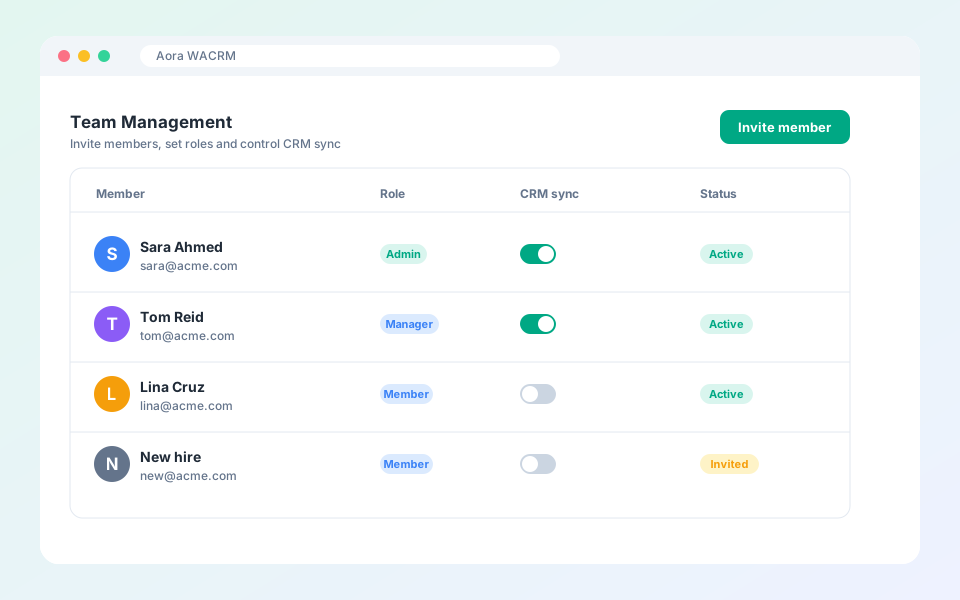
Invite members, set roles and control CRM sync.
Team members share contacts, templates and settings.
Steps
- Open Settings, then Team.
- Select Invite member and enter their email.
- Choose a role: Admin, Manager or Member.
- Use the toggles to control which integrations each member can sync to.
Updated October 19, 2026
Did not find what you need?