
Connect HubSpot, Salesforce, Zoho or AoraBooks
Sync contacts with the tools you already use.
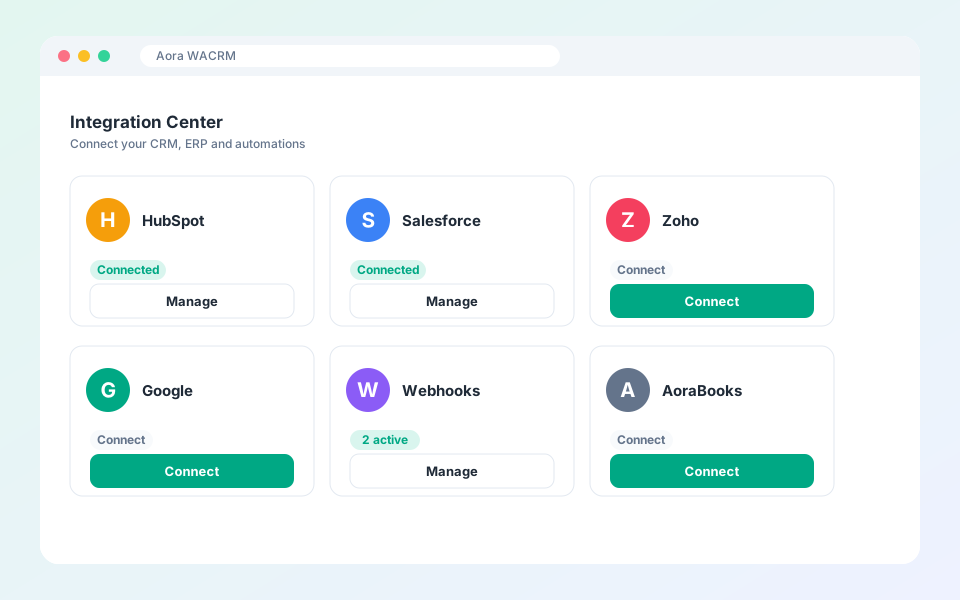
The Integration Center links your workspace to other systems.
Steps
- Open Integrations in the dashboard.
- Choose a provider and select Connect.
- Sign in with the provider and approve access. Credentials stay with the provider.
- Choose which members may sync to it in Settings, Team.
Tip: Some providers need a higher plan. The page tells you when a plan upgrade is needed.
Updated October 19, 2026
Did not find what you need?